


Backups for Business Continuity: Cloud vs. Local Solution
Today, businesses rely heavily on data to maintain operations, serve customers, and make informed decisions. From client records and financial information to intellectual property and work-related files, data is often the most valuable asset an organization possesses. However, data is also vulnerable—whether through hardware failures, human error, cyberattacks, or natural disasters. Without a reliable backup strategy, a single incident can result in costly downtime, reputational damage, or even business closure. For this reason, backups are a cornerstone of any comprehensive business continuity plan.
When considering backup strategies, companies must decide between local and cloud-based solutions—or, increasingly, a combination of both. Local backups typically involve storing data on on-premises hardware such as servers, external drives, or network-attached storage (NAS). These solutions give businesses full control over their data and often allow for faster recovery times in the event of an internal system failure. However, they can be susceptible to risks like theft, fire, or physical hardware damage, limiting their resilience in broader disaster scenarios.
Cloud backup solutions, on the other hand, leverage remote servers maintained by specialized providers. These platforms automatically replicate and store data in secure, geographically dispersed data centers, reducing vulnerability to localized incidents. Cloud backups also offer scalability, allowing businesses to adjust storage capacity as their needs evolve, and accessibility, enabling recovery from virtually anywhere. While cloud solutions introduce considerations around cost, internet dependency, and regulatory compliance, they often provide higher levels of redundancy and disaster recovery assurance than local systems alone. Together, evaluating cloud versus local backups enables organizations to design a strategy that aligns with their risk tolerance, operational needs, and continuity goals.
This article discusses the importance of backups while also comparing the two approaches – local versus cloud.

- Backups play a critical role in mitigating data loss, one of the most immediate threats businesses face today. Data can disappear unexpectedly due to hardware failures, cyberattacks such as ransomware, human error like accidental deletions, or external factors including fire, flood, or other natural disasters. Without a backup in place, the consequences are not only technical but also financial, as the cost of lost data can grow into millions depending on its sensitivity and business value. Reputational damage is equally significant, as clients and stakeholders lose trust in organizations unable to safeguard their information. A robust backup strategy ensures that even in the face of unforeseen incidents, critical information remains retrievable.
- Beyond protection against loss, backups are essential for ensuring operational continuity. Business processes increasingly depend on uninterrupted access to digital resources—from databases and applications to collaboration platforms. A disruption caused by data loss can halt entire operations, resulting in downtime that directly affects revenue and customer satisfaction. Backups provide a mechanism to restore systems quickly and efficiently, minimizing the impact of outages. This ability to resume normal functions without major delays safeguards both customer relationships and internal productivity, allowing organizations to maintain service commitments even during disruptive events.
- Many organizations must comply with legal and regulatory requirements around data protection, retention, and backup. Sectors such as healthcare, finance, and government are governed by strict frameworks (e.g., GDPR, HIPAA, or PCI DSS) that mandate reliable safeguards for sensitive data. Non-compliance can result in fines, legal consequences, or even the suspension of business operations. Having well-documented and tested backup procedures not only fulfills these obligations but also demonstrates due diligence to regulators and partners.
- For many businesses, backups also serve to protect intellectual property, which can represent years of innovation, research, or creative effort. Losing proprietary code, product designs, or unique content without a recovery option could undermine the very foundation of a company’s competitive advantage. Regular backups guarantee that this irreplaceable knowledge base remains secure, helping safeguard both long-term innovation and market position.

Cloud backup refers to the practice of storing copies of your data on remote servers managed by third-party providers, such as OneDrive, Google Drive, Dropbox, or specialized services like Acronis. Instead of relying solely on on-premises hardware, data is transmitted and stored off-site in secure, geographically distributed data centers. These facilities are designed with built-in redundancy, meaning that even if one server fails, additional copies ensure your data remains safe. A key advantage of cloud backups is that they can be accessed from anywhere with an internet connection, making them highly convenient for data recovery, remote collaboration, and device-to-device synchronization.
Advantages of Cloud Backups
- Scalability: Cloud backup solutions offer unmatched scalability. Storage can grow alongside business needs without requiring new hardware purchases or complex infrastructure upgrades.
- Accessibility: With cloud storage, data can be recovered or accessed from virtually anywhere, enabling greater flexibility for remote teams and supporting robust disaster recovery strategies.
- Cost Efficiency: Most cloud services follow a subscription-based pricing model, which lowers upfront capital expenditure on servers and maintenance. Businesses only pay for what they use, which can make costs more predictable.
- Provider-Managed Updates: Cloud vendors take responsibility for infrastructure upkeep, including security patches and software updates. This ensures the backup environment is always current without adding workload to in-house IT teams.
Disadvantages of Cloud Backups
- Internet Dependency: Reliable connectivity is essential. In areas with limited or unstable internet access, retrieving or uploading backups can become a challenge.
- Ongoing Costs: While the pay-as-you-go model reduces initial investment, subscription fees can accumulate over time and may surpass the cost of maintaining certain on-premises solutions.
- Security and Compliance Concerns: Storing sensitive data off-premises introduces security, privacy, and regulatory challenges. Businesses must carefully evaluate providers, ensuring strong encryption, compliance certifications, and clear data governance practices are in place.
Local backup refers to storing copies of data on physical devices located on-site, such as external hard drives, tape drives, dedicated backup servers, or network-attached storage (NAS). Because the backup media remain under the direct control of the organization, local backups often allow for faster recovery speeds compared to cloud solutions. They are particularly useful for quick restores after accidental deletions, system crashes, or localized issues. However, since data is stored in the same physical environment as primary systems, local backups can be more vulnerable to risks such as theft, hardware failure, or natural disasters.
Advantages:
- Fast Recovery: Data can be restored quickly without the need to download large files from the internet, making local backups ideal for time-sensitive recovery scenarios.
- Full Control: Organizations maintain direct ownership and control over their backup devices, ensuring that no third-party has access to sensitive information.
- One-Time Costs: Unlike subscription-based models, local backups often require a single upfront investment in hardware and storage media, with fewer recurring expenses.
Disadvantages:
- Limited Protection Against Disasters: Local backups are vulnerable to physical damage from fire, flooding, or theft, as they are typically stored in the same location as primary systems.
- Capacity Constraints: Scaling storage capacity requires purchasing and maintaining additional hardware, which can become costly and complex as data grows.
- Maintenance Burden: Backup devices require ongoing monitoring, testing, and replacement as they age. This adds workload to IT teams and increases long-term ownership costs.
- Single Point of Failure: If hardware fails and no redundancy is in place, local backups can be lost, leaving the business exposed to significant risks.
- Offline Protection: When disconnected from networks, local backups provide a layer of defense against cyber threats such as ransomware that target online systems.
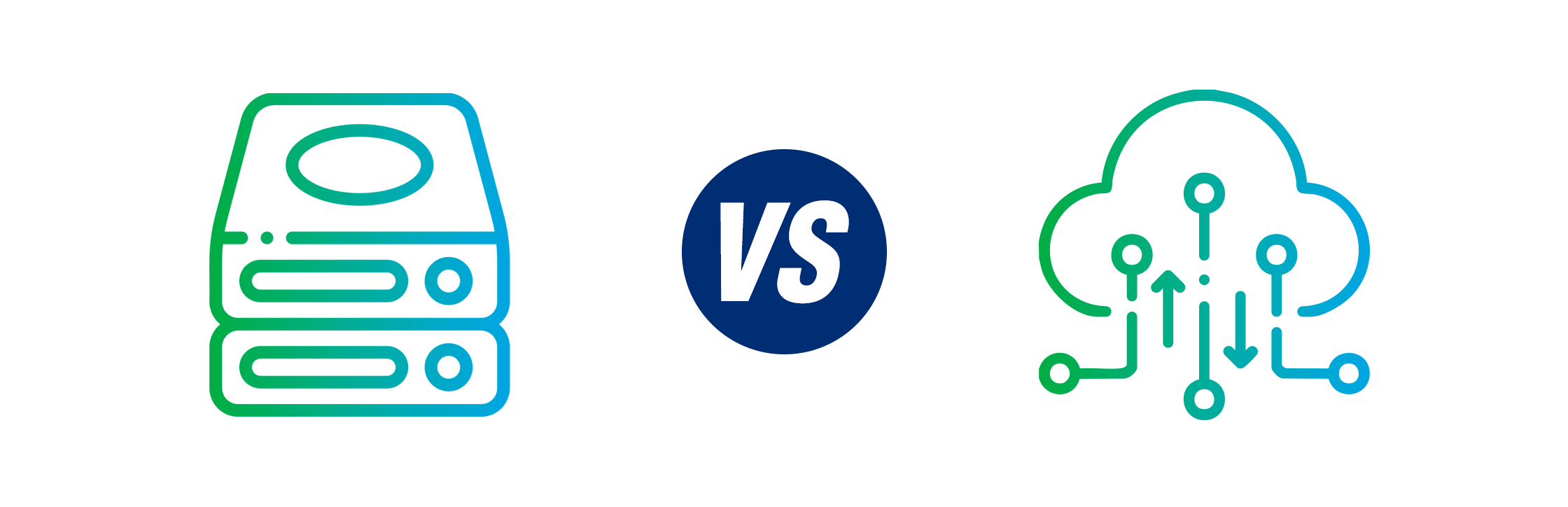
In the next table, we present a comparison between Cloud and Local backups to ease the decision making process.
| Aspect | Cloud Backups | Local Backups |
|---|---|---|
| Storage Location | Off-site, managed by third-party providers in secure data centers | On-site, stored on physical devices (NAS, servers, external drives) |
| Scalability | Virtually unlimited, can expand storage as needed without hardware | Limited by physical capacity; scaling requires purchasing new devices |
| Accessibility | Available from anywhere with internet access | Limited to physical location; remote access requires additional setup |
| Recovery Speed | Dependent on internet bandwidth; can be slower for large datasets | Typically faster since recovery is local and not network-dependent |
| Cost Model | Subscription-based (OPEX), predictable but recurring | One-time hardware investment (CAPEX), but ongoing maintenance costs |
| Maintenance | Managed by provider (automatic updates, monitoring, redundancy) | Managed internally; requires monitoring, testing, and hardware replacement |
| Security & Compliance | Depends on provider; strong encryption and certifications available but raises trust/regulatory concerns | Full control over data; reduced third-party exposure but relies on internal security practices |
| Disaster Resilience | High — data is geographically distributed and protected from local incidents | Low — vulnerable to local risks like fire, theft, or natural disasters |
| Best For | Businesses seeking flexibility, remote accessibility, and disaster recovery assurance | Businesses prioritizing control, speed, and offline protection from cyber threats |
Designing a backup system isn’t just about choosing between cloud and local solutions—it’s about how effectively those backups are managed, secured, and integrated into broader business continuity planning. Below are proven best practices every organization should follow to maximize the reliability of their backup strategy.
- Establish a Regular Backup Schedule
Backups should run on a consistent schedule to ensure data is always up-to-date. Depending on business needs, this might mean daily, weekly, or even real-time backups for critical systems. A structured schedule prevents gaps in data protection and reduces the risk of losing valuable information between backup cycles. - Build Redundancy into Your Strategy
Relying on a single backup method is risky. A hybrid approach—combining cloud backups with local storage—creates redundancy and adds resilience. If one backup fails due to technical issues, cyberattacks, or physical damage, the other ensures you can still restore data without major disruption. - Encrypt Backup Data
Security should be a top priority. Encrypting backup data both in transit (while being transferred) and at rest (while stored) protects against unauthorized access. Strong encryption ensures that even if backup files are intercepted or compromised, the data remains unreadable to malicious actors. - Test Backups Regularly
A backup is only as good as its ability to be restored. Regularly performing test restores verifies that backups are functional, complete, and accessible when needed. These tests also help identify issues early—such as corrupted files or misconfigured systems—before they cause problems during an actual recovery. - Document a Comprehensive Recovery Plan
A well-documented recovery plan ensures that all stakeholders know what to do in the event of data loss. The plan should detail step-by-step recovery procedures, assign responsibilities to team members, and include escalation paths for critical failures. Clear documentation accelerates response times and reduces confusion during high-pressure recovery scenarios.
Every business will face disruptions at some point; the real question is how prepared you’ll be when it happens. A proactive backup strategy, combining the strengths of cloud and local solutions, shifts your stance from reactive recovery to confident readiness. This isn’t just about avoiding downtime—it’s about maintaining trust, preserving intellectual property, and ensuring regulatory compliance when it matters most. Treating backups as a strategic pillar of business continuity means you’re not just guarding against data loss—you’re securing the long-term stability and growth of your business.